Card payment
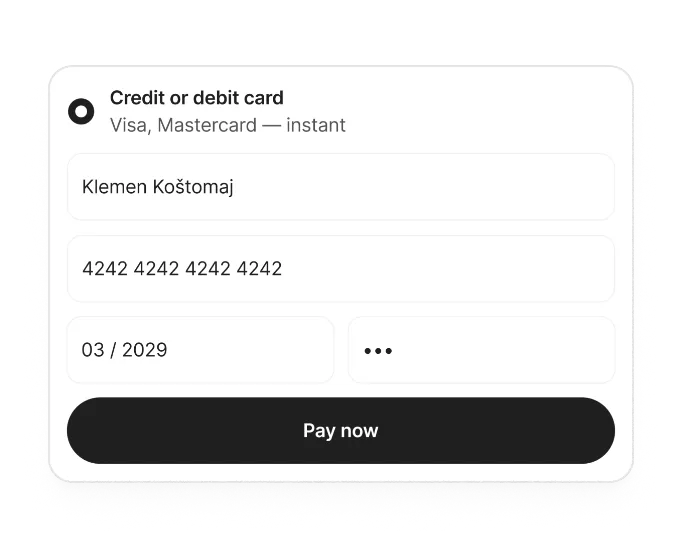
Customers can enter their credit or debit card details and confirm the payment through the payment provider.

PAYLINKS
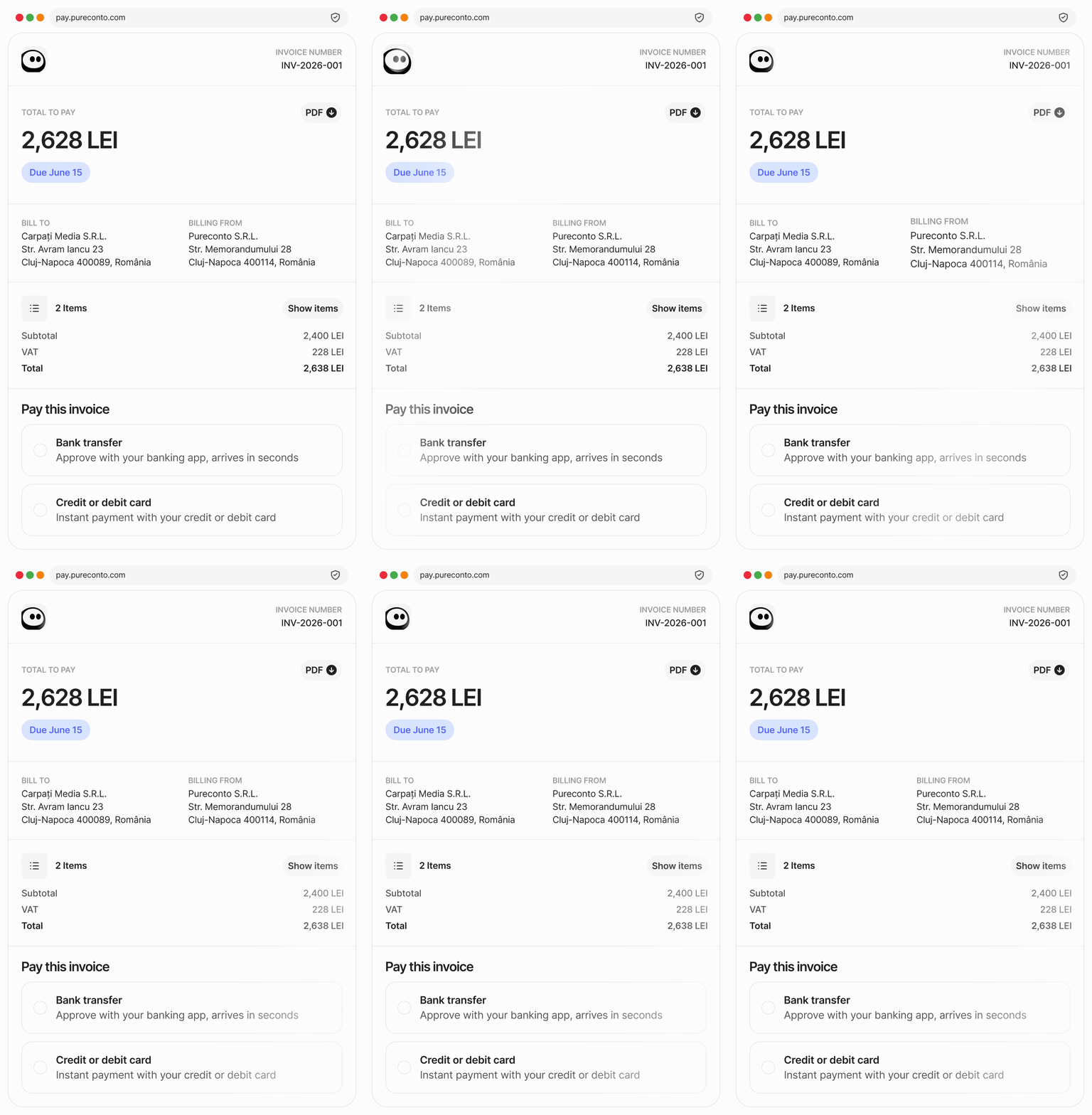
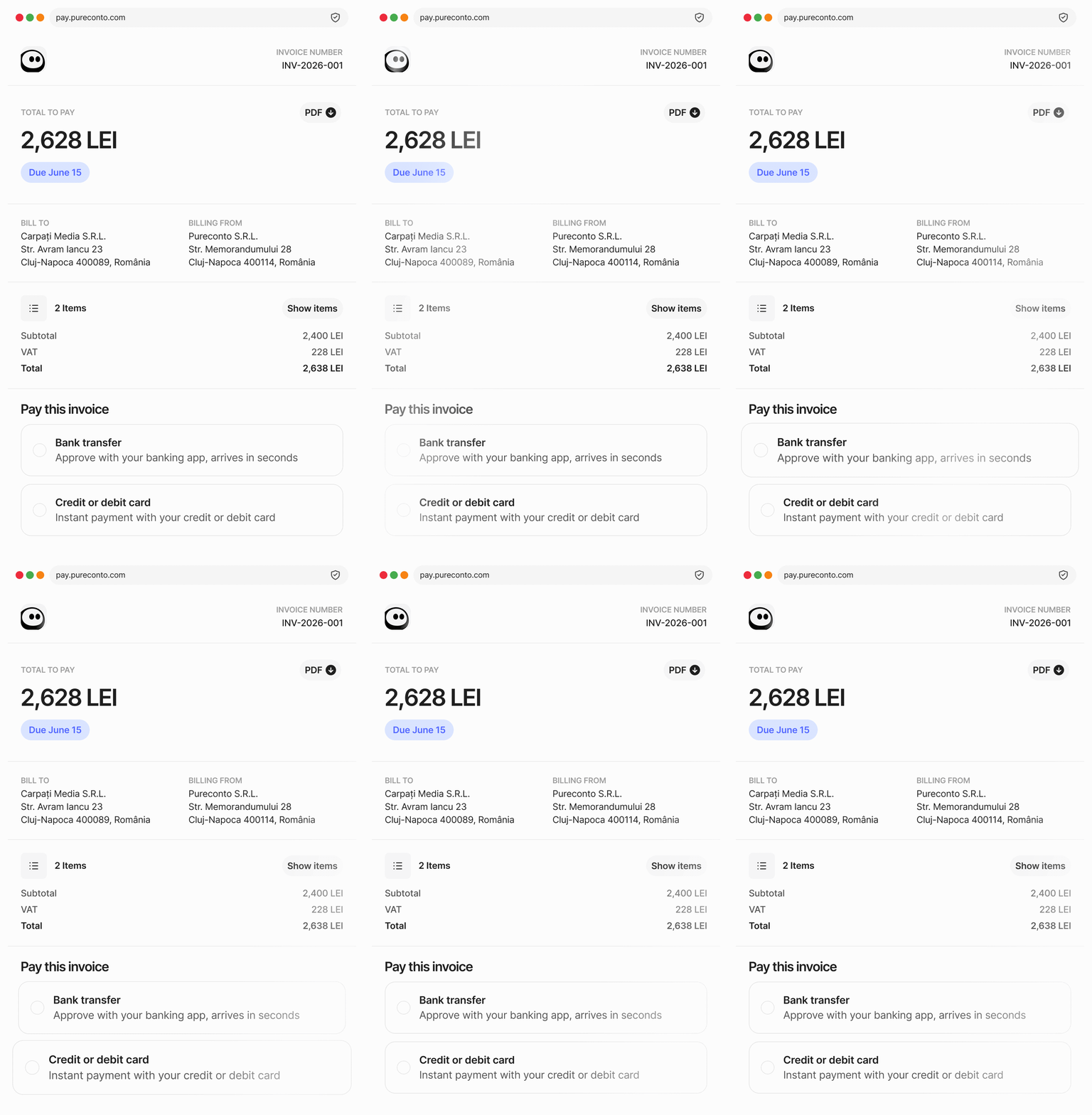
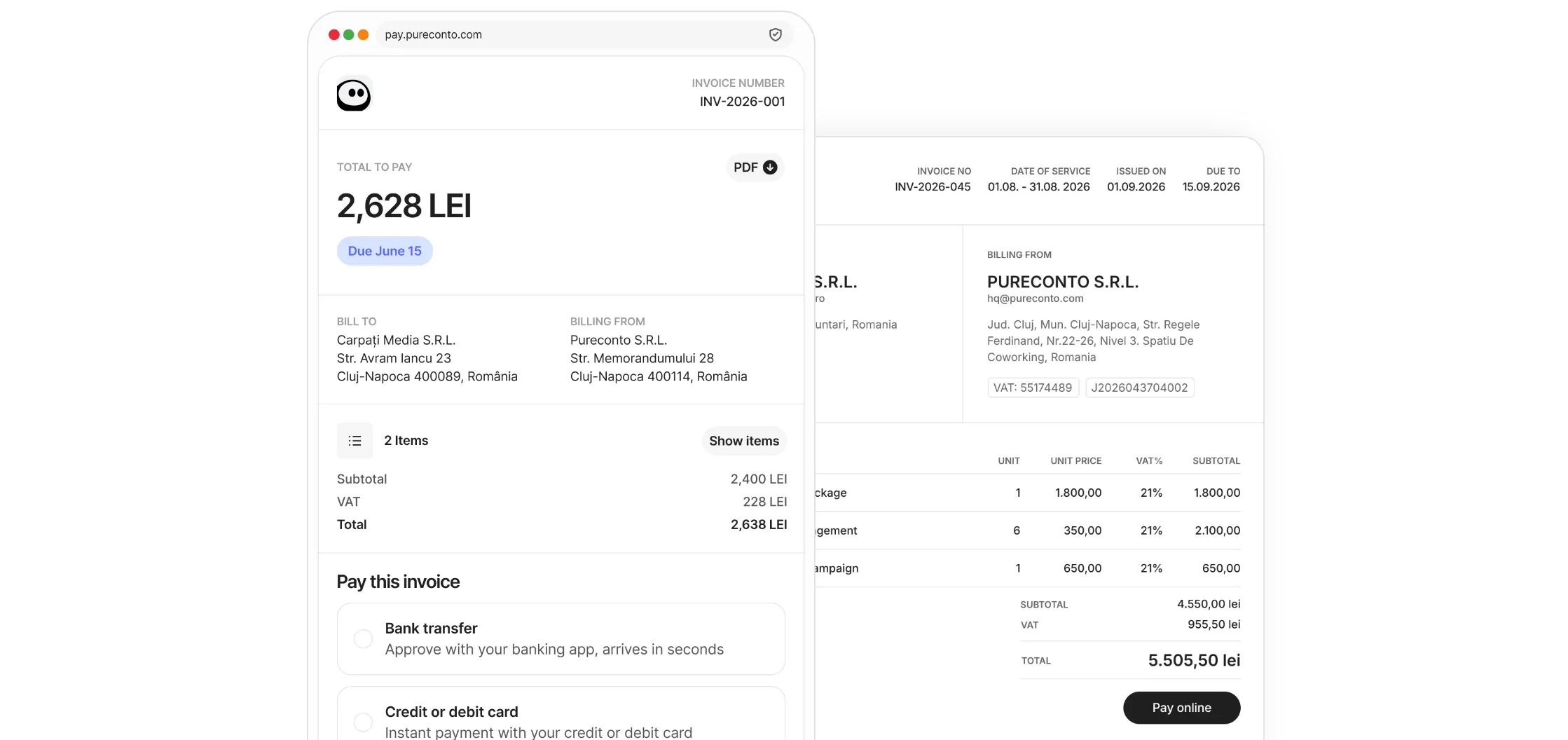
Add a secure, branded Paylink to your Pureconto invoices. Customers can open the Paylink, choose a payment method and pay from their phone or computer.
HOW IT WORKS
Add what you’re charging for, then send a secure link by email or copy the URL into any message.
Your customer sees a polished checkout with your logo, business name, and payment details they recognise.
Verify your bank account once, then turn on the payment methods your customers prefer at checkout.
PAYMENT METHODS
Different customers prefer different ways to pay. Pureconto can present the available methods on one payment page, keeping the experience clear without sending separate instructions.
Customers can enter their credit or debit card details and confirm the payment through the payment provider.
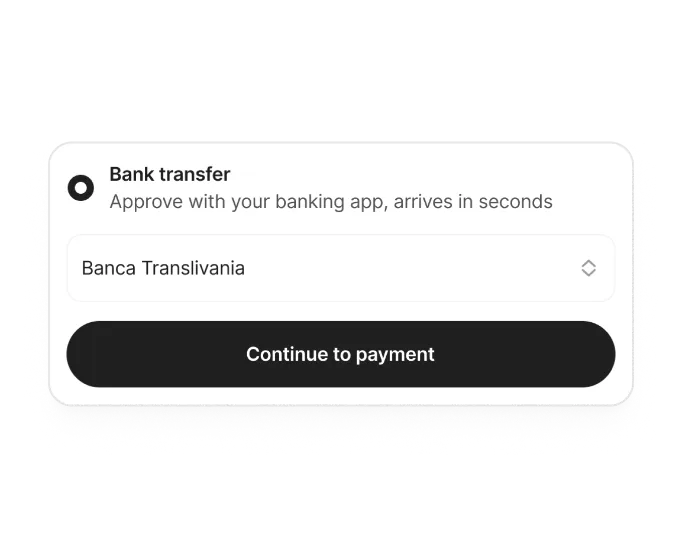
Customers select their bank, sign in through the bank’s secure environment and authorize a direct payment.
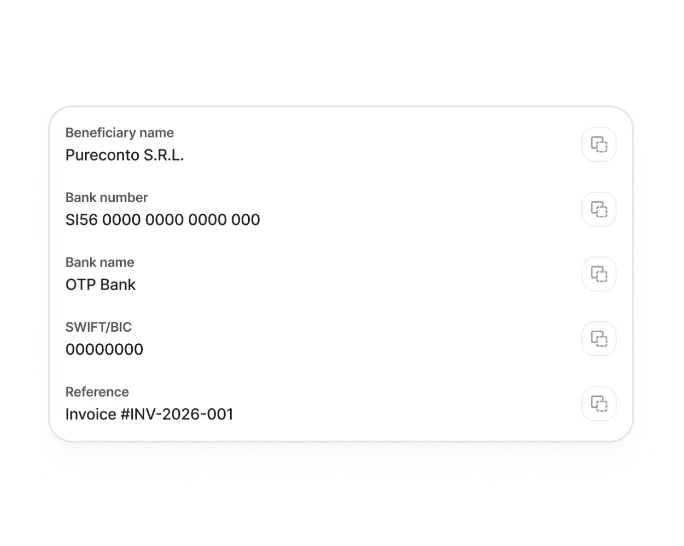
Customers can use the invoice details to make a direct SEPA transfer to your bank account.
*Available payment methods depend on your account setup and customer location.








PURECONTO APP
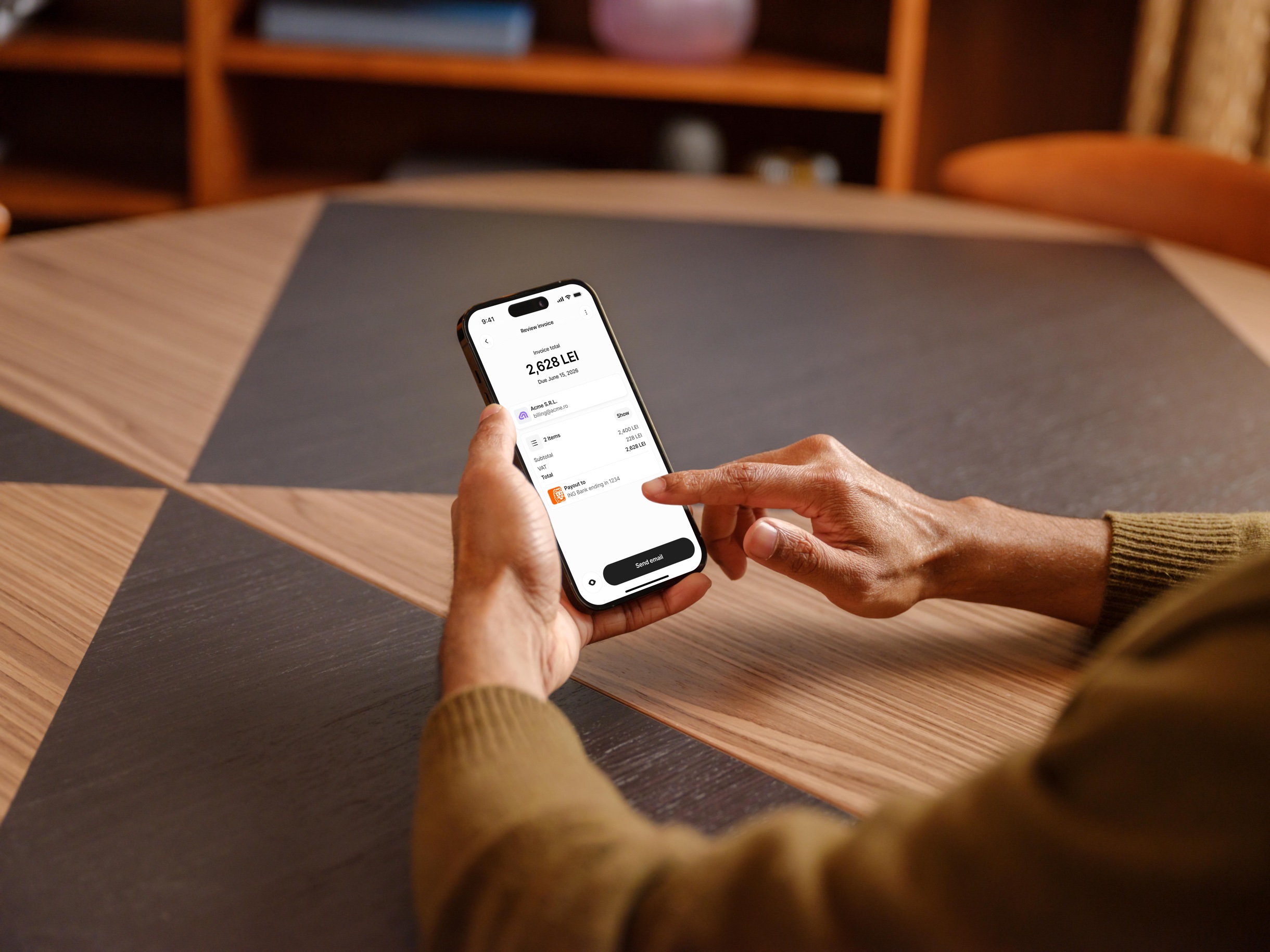
Create an invoice with a Paylink in the Pureconto mobile app, then send it in seconds. Your customer can open the link, choose a payment method and pay from their phone or desktop.
Explore the appEvery invoice includes a secure payment link with your company logo. Clients click the link to access a modern payment page and pay instantly via: - Credit/debit card - Direct bank transfer (SEPA) - Open Banking (if available) Invoices are frequently cleared within 90 seconds of being opened.
Each payment link includes an automatically-generated SEPA QR barcode. Clients scan it in their banking app, which instantly pre-fills all payment details (your IBAN, amount, reference). They authorize with one tap—no manual typing, no errors. This feature is exclusive to Pureconto among Romanian invoicing platforms.
Payouts are settled directly into your verified bank account within one business day after your client completes payment.
No. Your client never interacts with our back-end software—they only see a clean, professional invoice with your logo and a secure payment link. Click, pay, done.
No. Pureconto never holds, receives, or touches your customer's payments at any point. Under EU PSD2 regulations, funds move directly from your customer's bank account to yours. Pureconto acts only as a payment facilitator—we provide the payment link and infrastructure, but we are not a payment intermediary. This transparent payment flow ensures 100% of your customer's payment reaches you immediately, with zero deductions or delays from intermediaries. Pureconto charges only a subscription fee separately, keeping our pricing transparent and predictable.